
This blog post is Human-Centered Content: Written by humans for humans.
Advance with Assist shares quick solutions to common challenges encountered in everyday AI-assisted workflows.
Question: I’ve been using Claude Chat for basic questions, but I feel like I’m not getting the most out of it. Sometimes the responses are too long, too vague, or miss what I was actually looking for. Any tips for getting better results?
This is one of the most common things we hear from new Claude users — and honestly, from experienced ones too. The good news is that Claude Chat is remarkably capable once you understand how to communicate with it effectively. Whether you’re using it for writing, research, coding, analysis or just thinking through a problem, a few simple habits can dramatically improve the quality of what you get back.
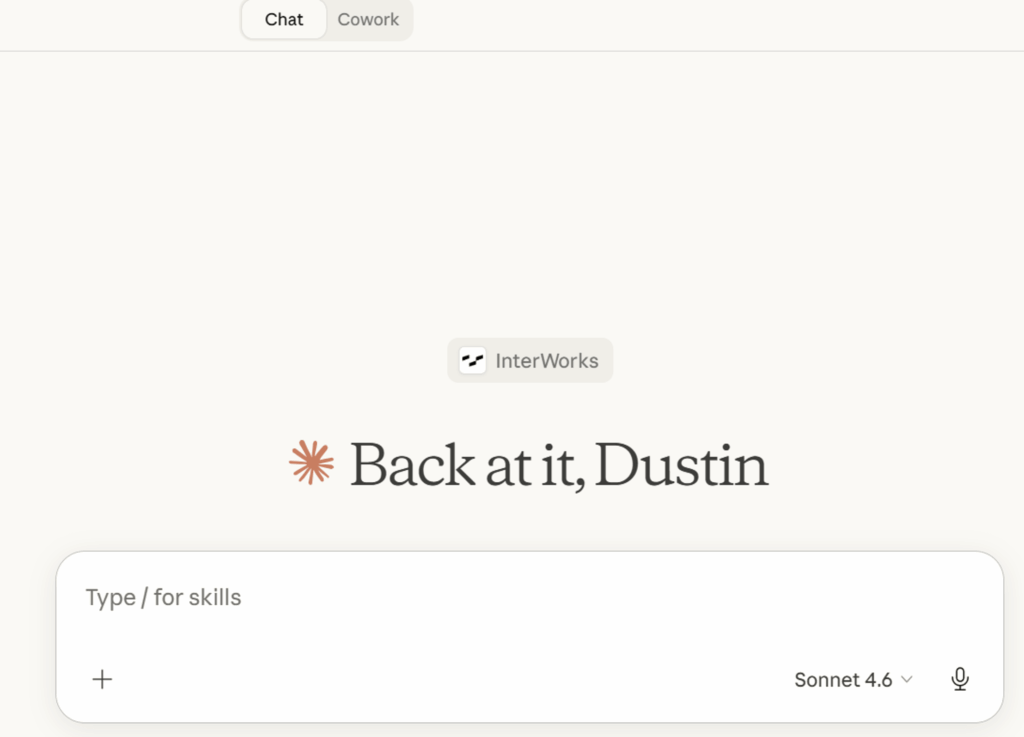
Start with Context, Not Just a Question
The single biggest improvement most users can make is giving Claude more context upfront. Claude Chat doesn’t know who you are, what industry you work in, or what you’ve already tried — unless you tell it. Side note: If you have the memory feature turned on, Claude will record important items from this context and use it to improve future responses.
Instead of:
“Write me an email about the project delay.”
Try:
“You are a Project Manager. Write a professional email to a client explaining that our software implementation project will be delayed by two weeks due to unexpected data migration issues. Keep it concise and apologetic but confident.”
The second version tells Claude the audience, the reason, the tone and the length — and the output will reflect all of that. PRO TIP: Give Claude files, or URLS for actual examples of context.
Use Follow-Up Prompts to Refine
Claude Chat is a conversation, not a one-shot query engine. If a response isn’t quite right, don’t start over — just redirect. You can say things like:
- “Make this shorter and more casual.”
- “Expand on the financial implications.”
- “That’s good, but can you add a section on risk mitigation?”
Each follow-up builds on the prior response, letting you sculpt the output rather than regenerate it from scratch. Think of it less like a search engine and more like working with a knowledgeable colleague. You don’t have to start with the perfect prompt.
Ask Claude to Think Step by Step
For complex tasks — analysis, debugging, planning or math — asking Claude to reason through a problem step by step produces noticeably better results. This works because it gives the model room to work through the logic before committing to an answer.
Instead of:
“What’s the best pricing strategy for my SaaS product?”
Try:
“Walk me through the key factors I should consider when setting pricing for a B2B SaaS product. Think through it step by step.”
You’ll often find that the step-by-step response surfaces considerations you hadn’t thought of — and gives you a clearer window into the reasoning behind each recommendation.
Specify the Format You Need
Claude will default to a format it thinks is appropriate, but you can and should override that. If you need a table, a bulleted list, a numbered checklist, a one-paragraph summary or plain prose, just say so.
- “Give me this as a table with three columns: Market, Price Model and Use Case.”
- “Summarize this in two sentences.”
- “Format this as a numbered checklist I can share with my team.”
This is especially useful when you’re taking Claude’s output and dropping it directly into a document, presentation or email.
Leverage Artifacts for Standalone Content
When you’re building something meant to live outside the conversation — a report, a code file, a structured document — Claude can generate it as an Artifact: A separate, formatted panel you can copy, edit or download. Just ask for it explicitly:
- “Put this in an artifact so I can download it.”
- “Create this as a standalone HTML page.”
Artifacts are particularly powerful for longer or more technical content, since they keep the output clean and separate from the back-and-forth of the conversation.
A Few More Quick Tips
Be specific about length. Claude tends toward thoroughness. If you want brevity, ask for it: “Keep your response under 100 words.”
Tell Claude what role to play. Starting a prompt with something like “You are an experienced HR manager…” or “Act as a skeptical investor…” shapes the perspective and tone of the response.
Use it iteratively for big projects. Rather than pasting in an entire document and asking Claude to fix everything at once, work section by section. You’ll get better, more focused edits.
Ask for alternatives. If you like a response but want options, just say: “Give me three different versions of this.” Claude is happy to explore multiple approaches.
Getting the most out of Claude Chat isn’t about learning tricks — it’s about communicating clearly, the same way you would with any capable colleague. The more context and direction you give, the better the output you’ll get in return.
Have a question about working with AI tools in your workflow? We’d love to hear it.
