
Please note that Portals for Tableau are now officially known as Curator by InterWorks. You can learn more at the official Curator website.
This blog post is AI-Assisted Content: Written by humans with a helping hand.
Why a School Directory Needs More Than Dashboards
School directories rarely fail because of complexity. They fail because of process.
In most environments:
- The warehouse holds the authoritative staff and student data
- Dashboards display it
- Updates happen somewhere else
That separation creates delay, duplication and mistrust. Administrators export spreadsheets. Analysts get pulled into “small” fixes. The warehouse slowly drifts away from reality.
Traditional BI tools reinforce this pattern by design. They prioritize insight over interaction, assuming all changes should happen upstream.
For operational use cases like a school directory, that assumption breaks down.
The goal of this project was simple:
Allow trusted users to safely update directory data directly on governed sources — without building a custom CRUD (create, read, update and delete) application.
That goal led us to treat the analytics layer itself as the application interface.
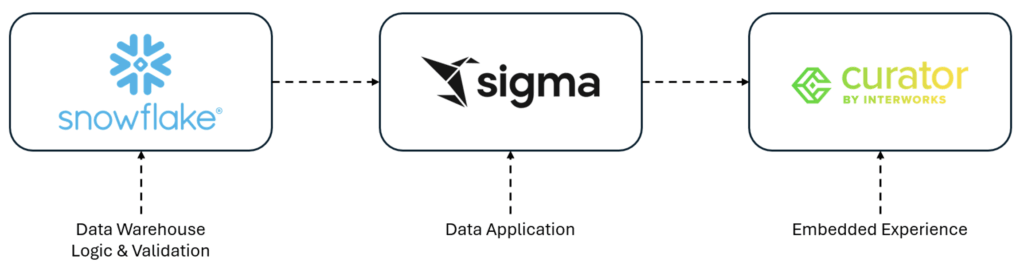
In this multi-part series, we’ll cover a solution we built to showcase a School Directory application built on Sigma, Snowflake and our custom embedded layer Curator.
Architecture Deep Dive: Sigma, Snowflake and an Embedded Experience
The architecture follows one guiding principle:
Sigma handles interaction. Snowflake enforces rules.
Core Components
- Snowflake
- System of record for all school directory data
- Host for validation logic and stored procedures
- Sigma
- Semantic layer and user interface
- Native writeback controls
- Curator
- Authentication and user context
- Guides users throughout their embedded experience
Users never write directly to tables. All updates flow through controlled Snowflake logic, preserving governance and auditability.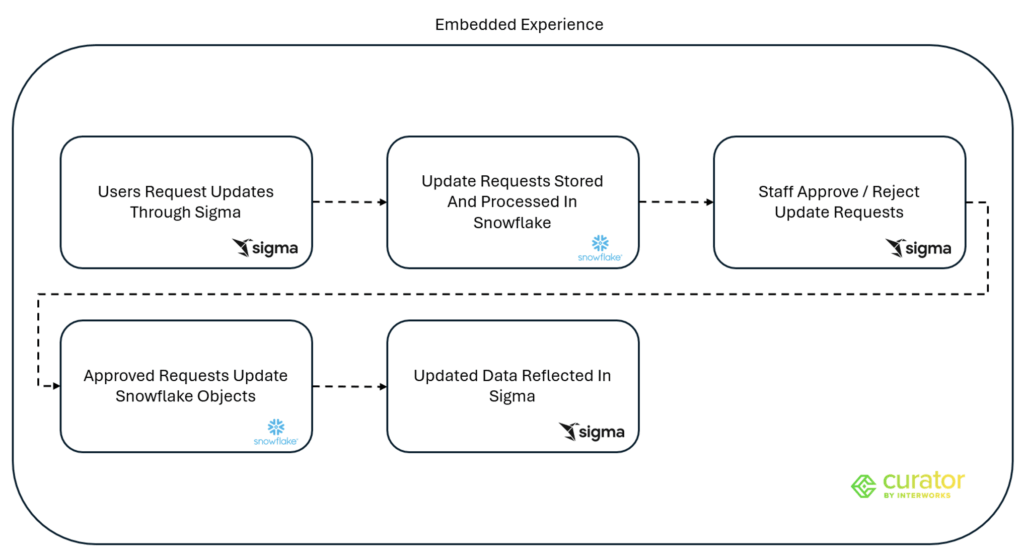
This design avoids:
- Custom APIs
- Sync pipelines
- Shadow operational databases
Instead, it extends the existing analytics stack into an application platform.
Curator provides the application wrapper – handling authentication, routing and guiding users through a purpose-built workflow on top of Sigma.
Native Writeback in Sigma: From Insight to Action
The centerpiece of the solution is Sigma’s native writeback capability, paired with Snowflake stored procedures. Unlike traditional BI tools, Sigma allows governed writeback directly into Snowflake — without requiring a custom API or middleware layer.
Update Flow
- A user requests updates to information in Sigma (e.g., number of students, grades offered)
- Sigma parametrizes updates and calls a Snowflake stored procedure
- The procedure:
- Validates values
- Enforces business rules
- Applies role‑based constraints
- Depending on the workflow, updates can either be applied directly or routed through an approval step before being committed
- Approved updates commit changes, an audit trail is created and history is stored in Snowflake
- Changes are instantly reflected in all downstream views
There is no middleware and no direct table access from the UI.
Why Stored Procedures Matter
Stored procedures act as an API layer inside Snowflake:
- Centralized validation logic
- Transaction safety
- Auditing and logging
- Clear separation of concerns
Sigma becomes the front end, not the executor of data logic.
Under The Hood
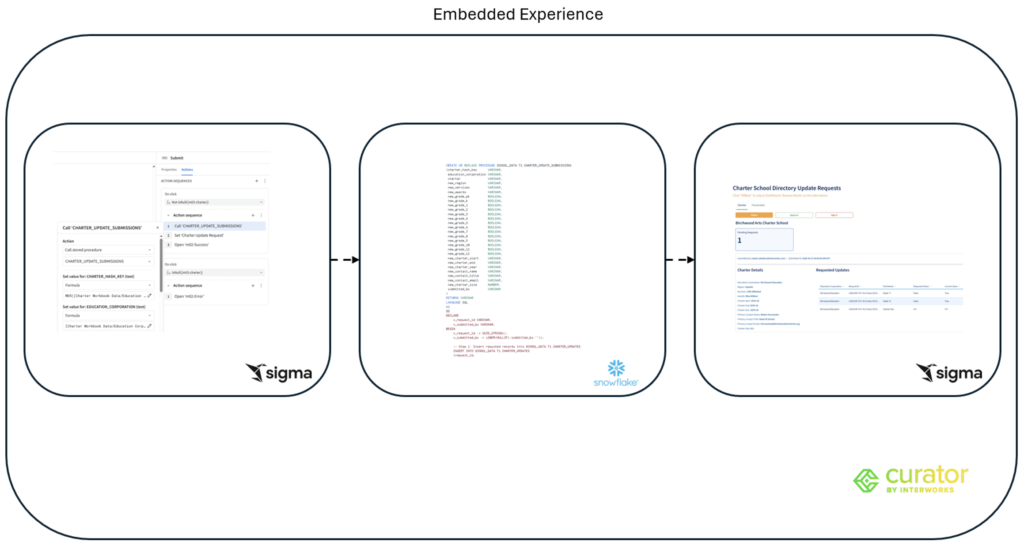
Stored procedures accept parameterized inputs from Sigma, perform validation and execute controlled updates using role-based permissions – ensuring no direct table writes occur from the UI layer.
Effectively, this eliminates spreadsheet workflows across all schools in the network!
Governance, Security and Role‑Based Updates
Operational analytics fail without trust. This architecture is designed to extend governance — not bypass it.
Security Model
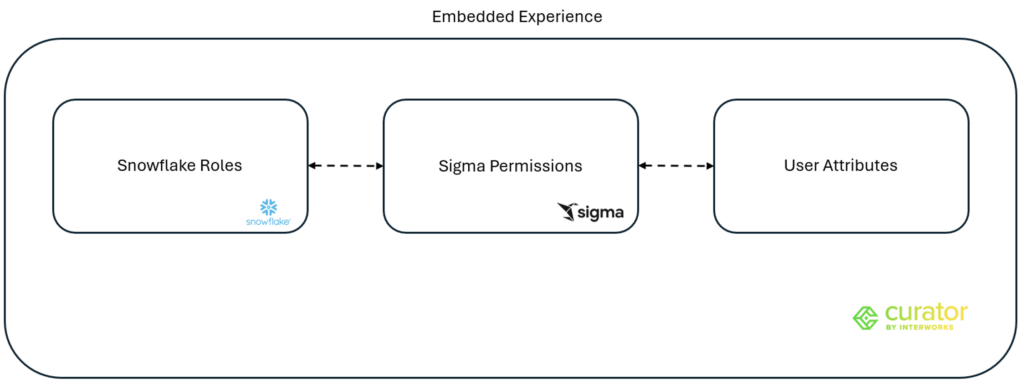
- Snowflake roles define what procedures and data can be touched
- Sigma permissions determine who can edit versus view
- User attributes scope access by school or district
Practical Scenarios
- School administrators can update staff at their own school only
- Governing bodies have broader access to manage the entire network of schools
- Read‑only users see directory data without edit controls
Because all writes pass through Snowflake:
- No user ever has blanket update rights
- Every change is auditable
- Governance remains centralized
From BI to Application: Lessons Learned and What’s Next
This project reinforced a shift already happening across modern data stacks.
Key Lessons
- Analytics tools can support operational workflows
- Writeback transforms dashboards into systems of action
- Snowflake stored procedures make a powerful, governed control layer
- Sigma dramatically reduces time‑to‑value compared to custom apps
Business Impact
- Faster updates
- Fewer errors
- Elimination of spreadsheet workflows
- Increased adoption by non‑technical users
What’s Next
This pattern enables more advanced workflows:
- Validation logic to address data quality issues at the source
- Change history dashboards
- Automated tasks and actions
- Program and resource management tools
Final Takeaway:
The data warehouse is no longer just a destination for analytics – it’s becoming the foundation for operational applications.
Exploring the Sigma Data App
To bring this architecture to life, we’ve published a live demo of the School Directory Data App:
👉 https://interworks.app.curatorodyssey.com/
You can log in as a guest to explore the experience:
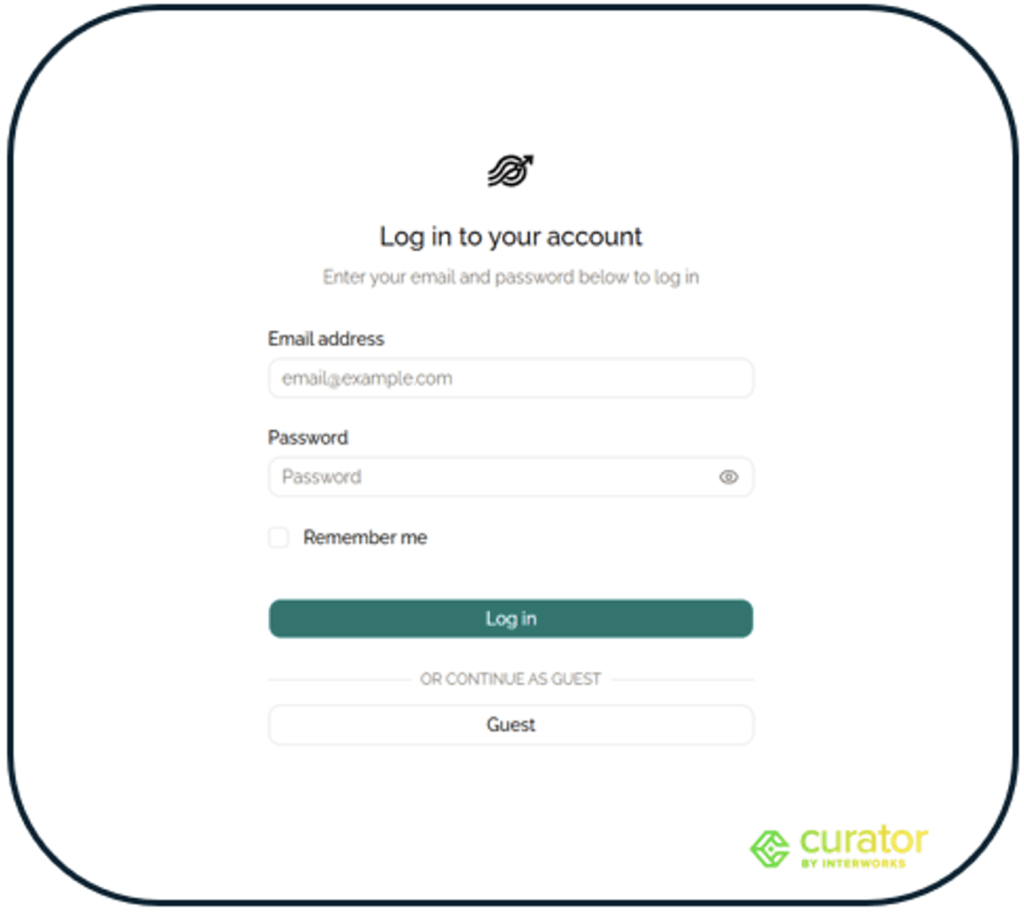
Getting Started
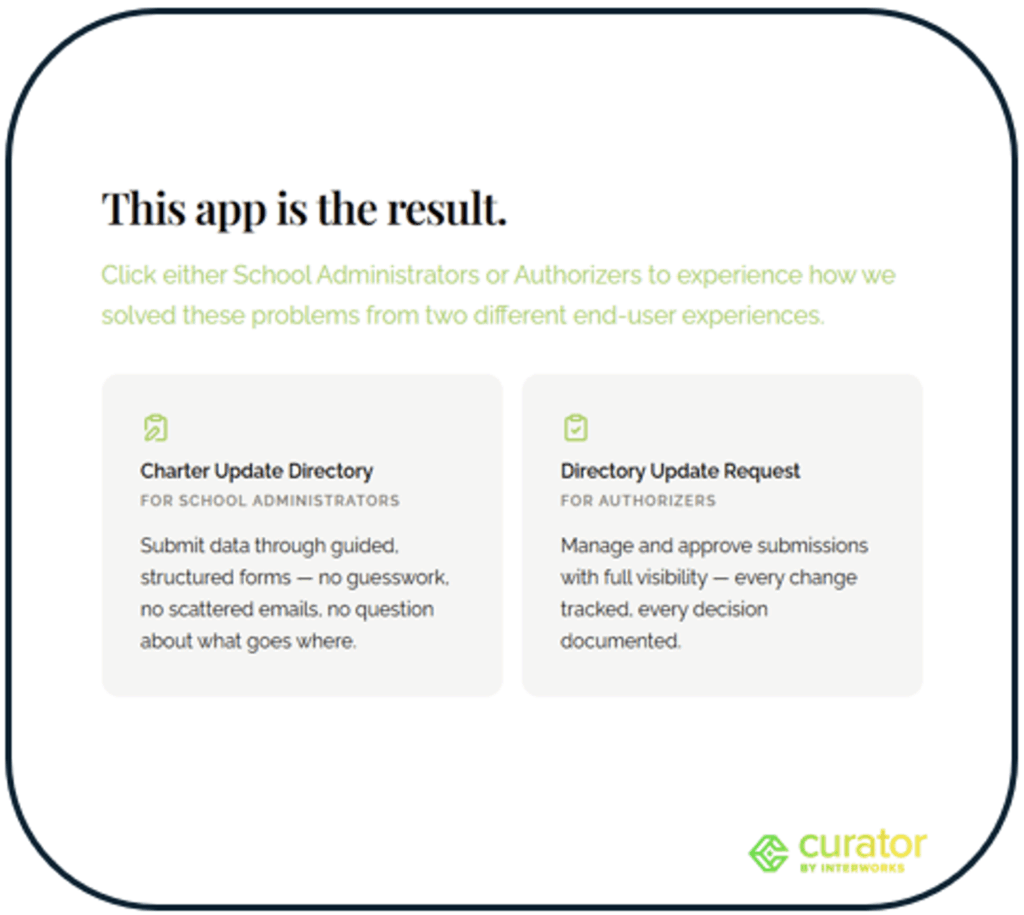
After logging in, you’ll land on the demo homepage, which provides:
- A quick introduction to the application
- Entry points into two core workflows:
- Charter Update Directory
- Directory Update Request
These workflows demonstrate both data submission and governed approval processes:
Submitting An Update Request
To submit updates:
- Navigate to the Charter School Directory by clicking on the “Charter Update Directory” button
- Navigate to the Charter Profile section:
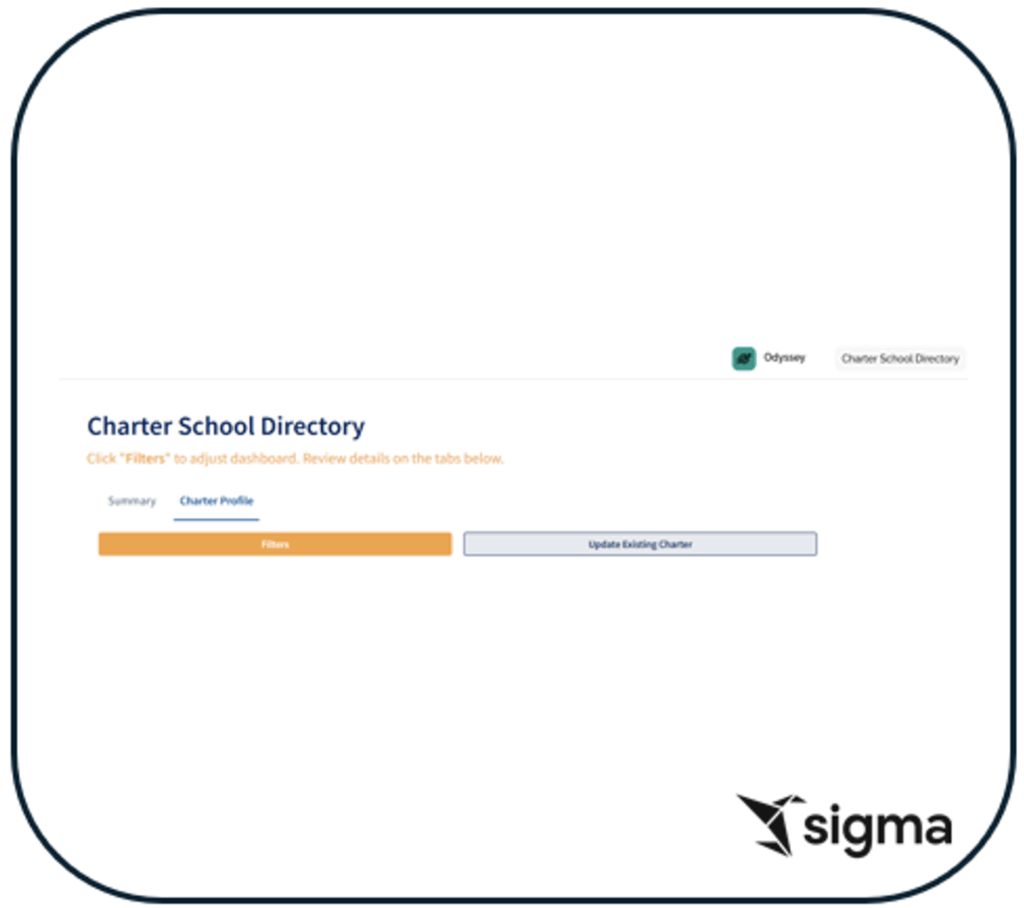
- Click “Update Existing Charter”
A modal will appear displaying the Charter’s current record.
From here:
- Modify fields such as enrollment, grade levels or contact information:
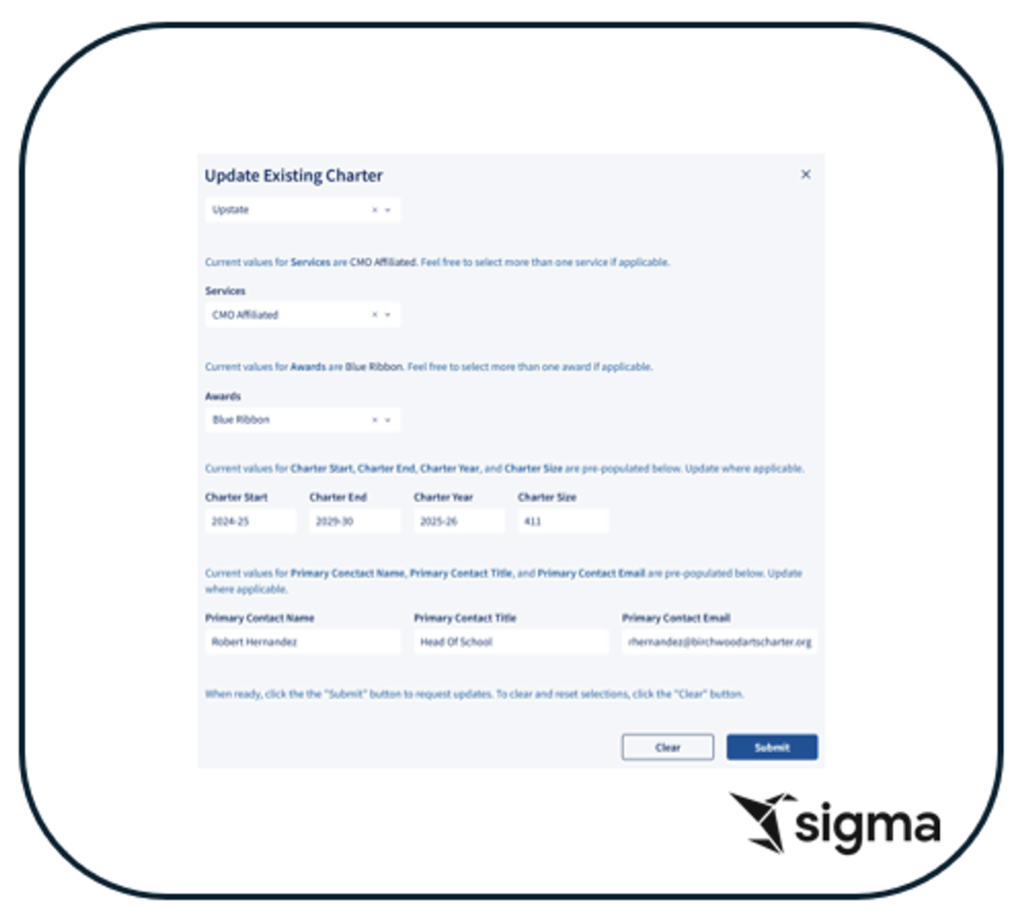
- Click Submit to initiate the update
Behind the scenes:
- Sigma captures your inputs
- A Snowflake stored procedure is invoked with those parameters
- Validation and business logic are applied centrally
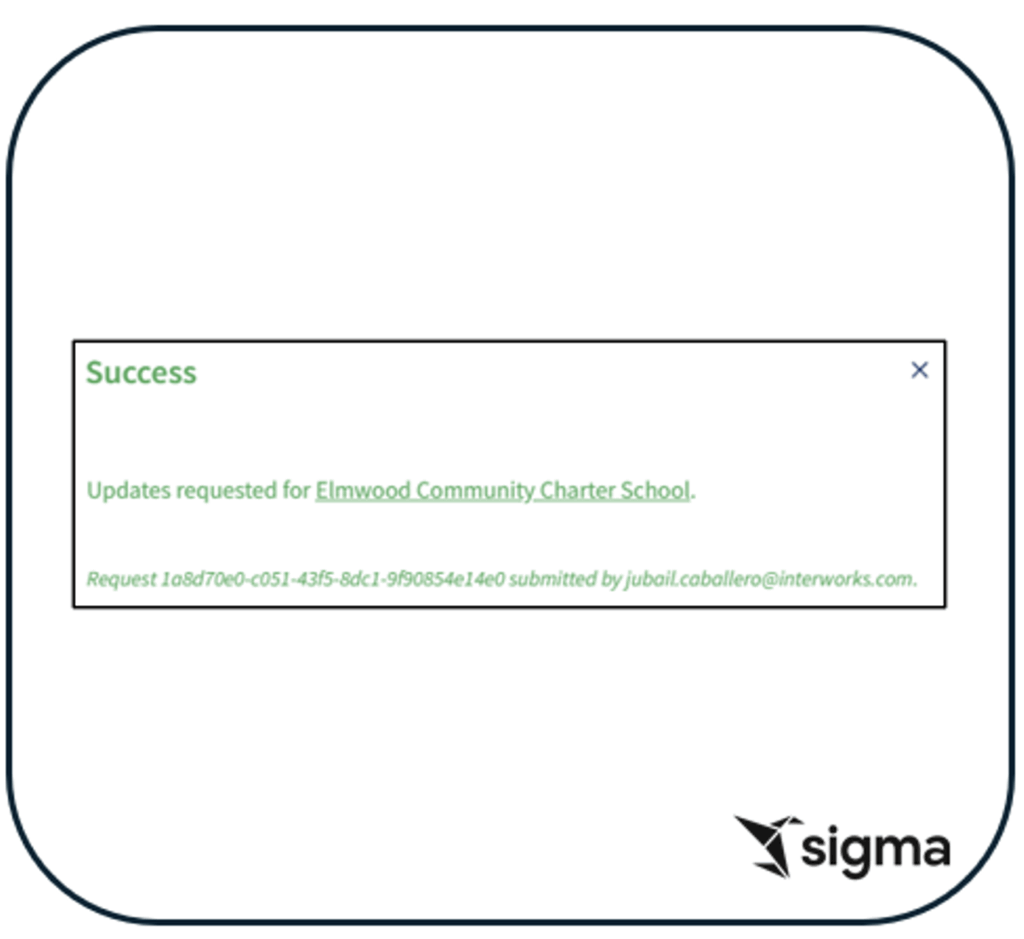
You’ll then receive a confirmation once the request is submitted:
Reviewing and Approving Changes
To review submitted updates:
- Navigate to Directory Update Request
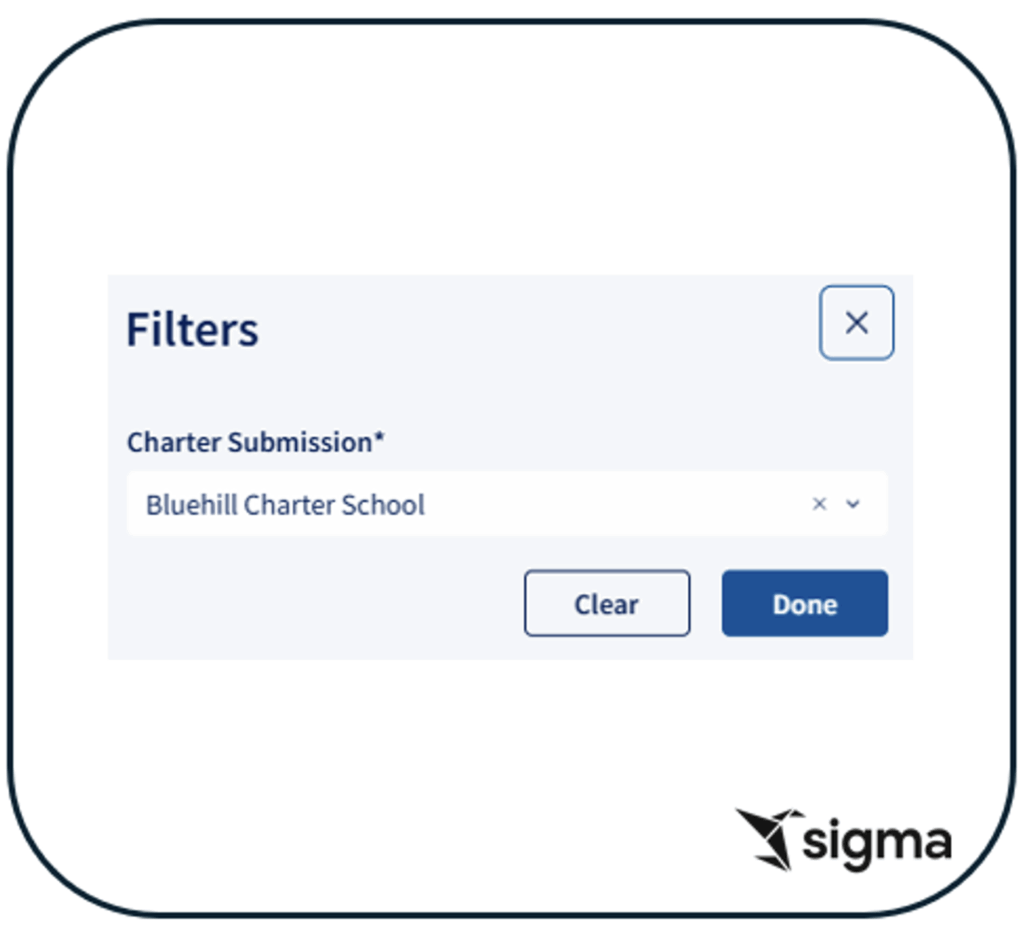
- Use Filters to isolate a specific school:
- Review the requested changes alongside current values:
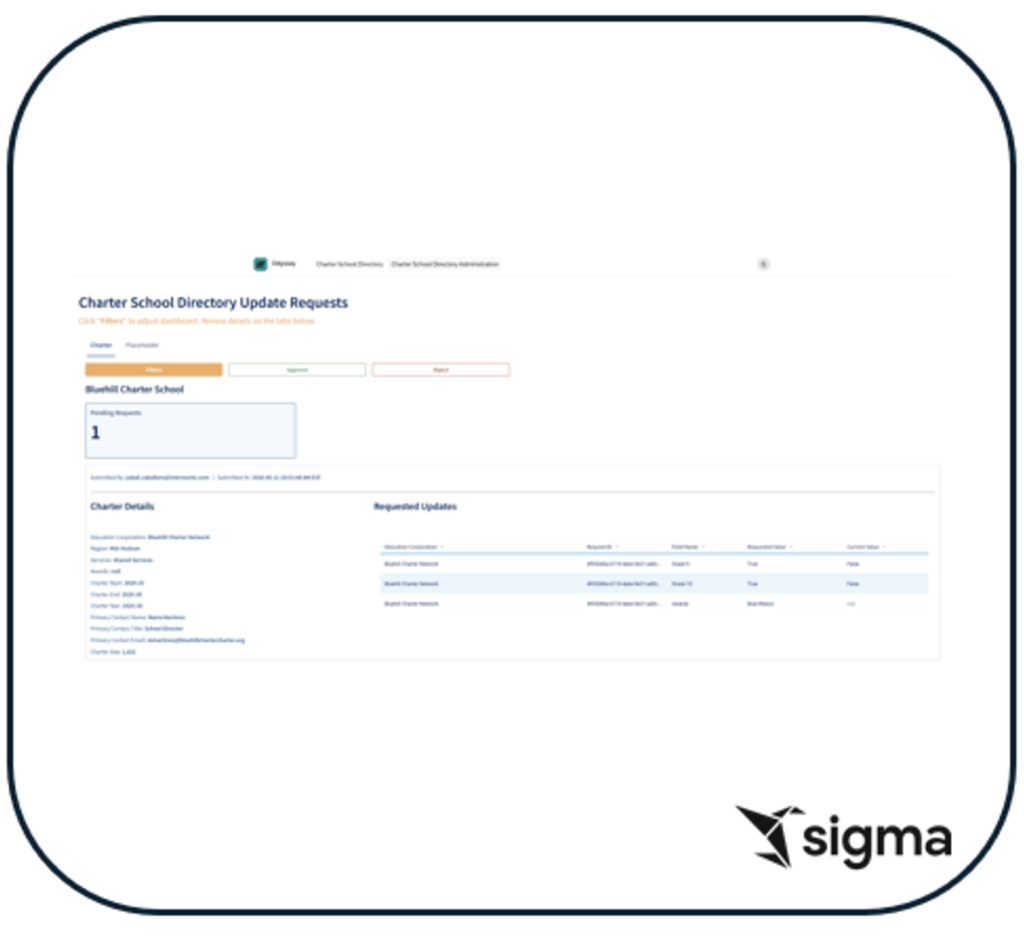
From here, authorized users can:
- Approve the update → changes are committed to the directory
- Reject the update → no changes are applied
This workflow demonstrates a governed writeback process where:
- All updates are audited
- Business rules are enforced in Snowflake
- Users interact through a simple, intuitive interface
Viewing Approved Changes
Once a request is approved:
- Navigate back to the Charter School Directory
- The updated values are immediately reflected. In case caching prevents viewing immediate changes, click on the refresh button to clear cache:
Because everything is powered by Snowflake:
- There are no sync delays
- No duplicate systems
- No manual reconciliation
What This Demo Shows
This demo highlights a key shift:
Users are no longer just consuming data – they are actively maintaining it within a governed system.
By combining:
- Sigma’s writeback capabilities
- Snowflake’s procedural logic
- Curator’s embedded experience
…we’ve created a fully functional data application – without building traditional application infrastructure.