
After more than a decade of service, we’re sunsetting the Color Tool for Tableau.
If you built high-stakes Tableau dashboards in 2014, you remember the pain. Getting your brand colors into Tableau meant hand-editing XML in a preferences file, one hex code at a time. So, we built a fix. The Color Tool let you pick your colors, match a palette from an image or generate complementary shades, then handed you the finished XML. Later, we rebuilt it on chroma.js so it could produce proper sequential and diverging palettes in perceptual color spaces. Thousands of Tableau users made it part of their workflow, and it served up hundreds of thousands of palettes along the way.
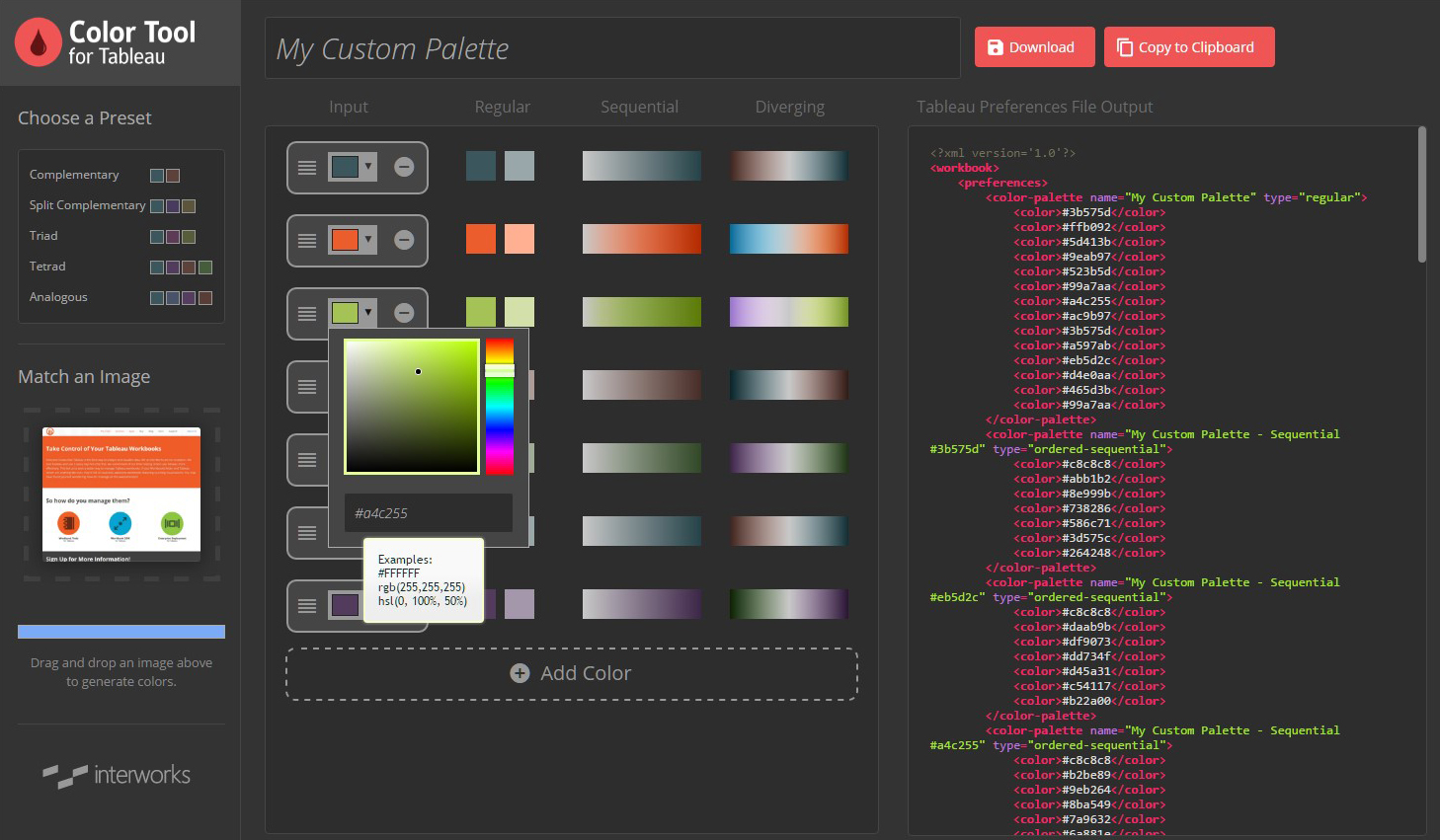
Today, custom palette management is table stakes for any modern BI tool and visual analytics is more programmable. That wasn’t true 10 years ago, and we’re proud the Color Tool filled that gap for as long as it did. Retiring it now isn’t a loss. It means the problem we set out to solve is solved.
The Color Tool came out of the same workshop as Power Tools for Tableau, our suite for workbook management, content migration and server monitoring; and as Curator, our analytics portal platform that clients around the world still run today. We’re equally proud of where that work ended up: Tableau bought the Power Tools IP in 2019, and it lives on inside the product today as the Content Migration Tool and Resource Monitoring Tool. Not many consultancies can point to their code running inside the platform itself.
That’s the InterWorks pattern. Our consultants in the field find a real-world need, we develop a solution, and clients everywhere benefit. The tools change but the habit doesn’t. Check out our solutions around Snowflake, Sigma and in the AI space to see what we’re working on today.
The best tools make themselves obsolete. The Color Tool did its job so well the industry caught up, and we couldn’t ask for a better ending. Ten years ago the gap was color palettes. Today it’s AI-ready data and field-ready AI apps. We’ll keep building …
Related
